

One-line introduction
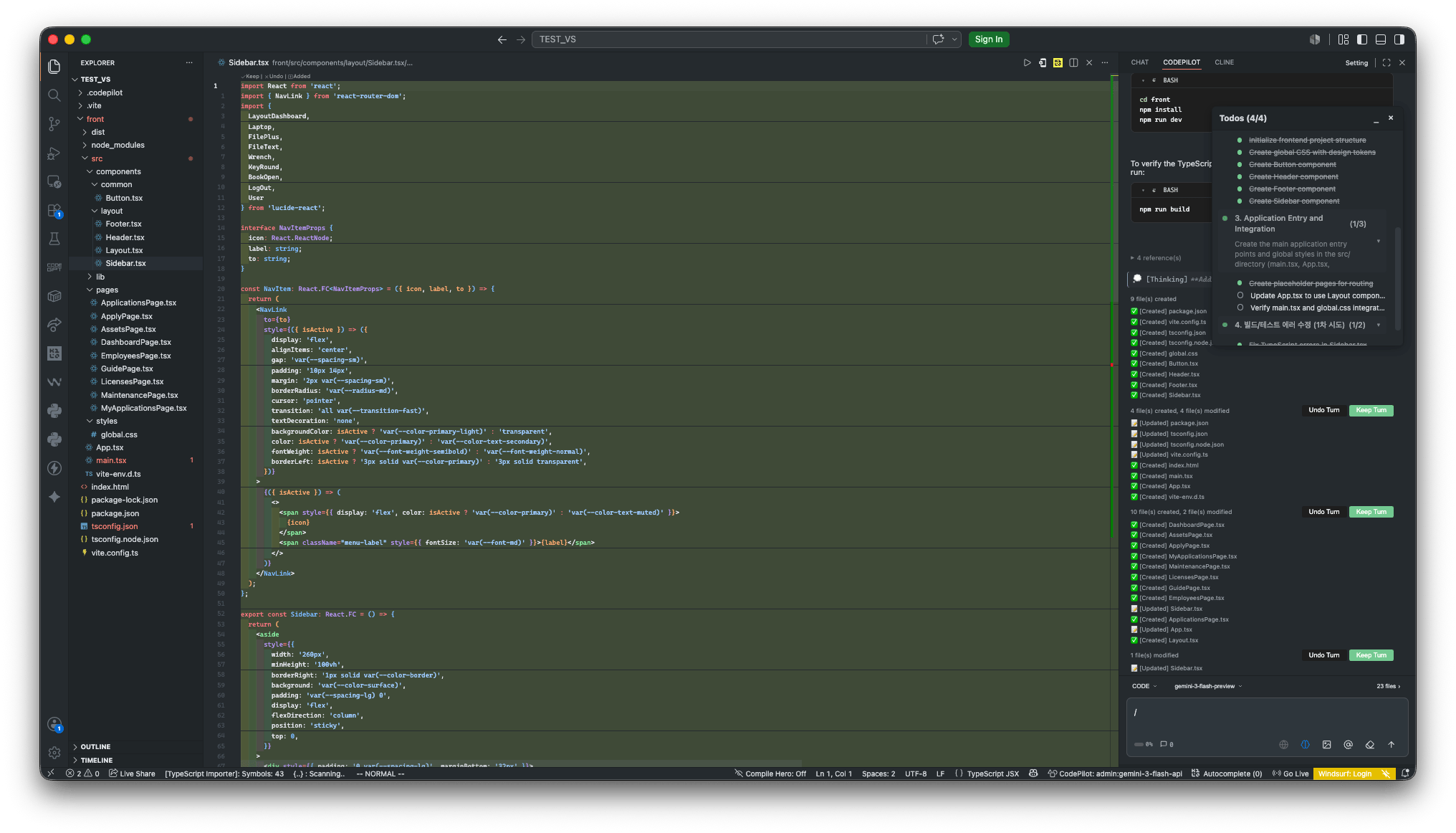
“Not just a chatbot that answers questions. A colleague that works alongside you.”CodePilot is an AI-powered work partner that stays with you across the entire flow — ask → build → verify → fix — right inside the screen where developers work.
Get started right away
Install
Install from a VSIX file through the VS Code Extensions panel
Sign in
Social login, username/password, or license key
Connect to an organization
Apply your team’s policies with an organization API key
Quickstart
Your first request, attaching context, approving changes
What problems does it solve?
Time lost to repetitive work
- Time spent organizing requirements and designing before building a feature
- Repeatedly writing boilerplate code, refactoring, and authoring test cases
- Focus drained by tracking down the cause of errors and retrying fixes
Development practices that differ from team to team
- Higher review costs caused by inconsistent code styles across team members
- Duplicate implementations of the same feature and harder maintenance
- Security policies and forbidden patterns getting missed depending on individual habits
Components
CodePilot IDE
VS Code extensionThe AI coding assistant developers use directly. It provides chat, file editing, command execution, and inline code completion.
CodePilot Admin
Web admin consoleOrganization administrators centrally manage AI model policies, security rules, coding conventions, and usage.
What changes when you use it across an organization
When an administrator configures policies in the Admin console, they are automatically applied to every IDE connected to the organization.
Policies are distributed at two levels of strength: Required and Recommended. Required items cannot be turned off by developers, while Recommended items are applied as defaults but can be changed when needed.